
WSQ Smartphone Videography and Video Editing Course
WSQ Smartphone Videography and Video Editing Course in Singapore
Learn how to shoot, compose and capture quality video footage using your smartphone.
Video content is everywhere and the difference between footage that gets noticed and footage that gets scrolled past usually comes down to how well it was shot. Understanding camera composition, exposure settings, shot planning and how to position your camera properly makes a bigger difference than the device you are using. This WSQ Smartphone Videography Course Singapore gives working professionals and beginners the technical knowledge to shoot video with purpose and clarity across 3 days of classroom training. From setting up camera equipment correctly and applying cinematography techniques to evaluating angles and movements for better results, this mobile videography course Singapore covers everything you need to shoot confidently with your smartphone. The course is WSQ certified and SFC-eligible for eligible participants.
WSQ
Singapore Workforce Skills Qualifications
SkillsFuture Eligible
PSEA
Post Secondary Education Account
SFEC
SkillsFuture Enterprise CreditAbsentee
Payroll
Course Start Date
Schedule
- Days: 3 Days
- Duration: 21 Hours
- Timings: 9:30 AM - 5:30 PM
- 10 Anson Road, 26-08A International Plaza, Singapore 079903
Why Choose Us
- Expert Local Trainers
- Hands-on Training by experts
- Certificate of Achievement
SSG Course Details
- TGS-2024043671
- Mode of Training - Physical, in-class training
- Course Subsidy Validity - 27-03-2024 to 26-03-2026
- Register Now
Who Should Attend This WSQ Smartphone Videography and Video Editing Course in Singapore
Content creators, marketing professionals, business owners and anyone who regularly produces video for social media, presentations or business use will find this WSQ video production course Singapore directly relevant to what they do. It is also suitable for beginners who want to learn how to shoot better video using their smartphone and working professionals who want to add smartphone video editing training skills to their profile. No prior videography experience is needed and the course is open to professionals across all industries.

Business professionals

Analyst

Entrepreneur

Training Professionals

Student
Course Completion Requirements
Minimum 75% attendance is required in order to complete the course and receive the course completion certificate

Above 16 years old

High School Level English

Basic internet & computer operation skills
Why Learn Smartphone Videography?
Smartphones today are capable of shooting high quality video and more businesses, marketers and content creators in Singapore are using them to produce video content regularly. The gap between average footage and good footage is not about the device — it is about understanding how to use it properly.
Knowing how to plan a shot, set up your camera correctly, work with composition and adjust exposure settings gives your video a level of quality that stands out. For marketing professionals and business owners, better video means more engaging content across social media, websites and presentations. For content creators, understanding the technical side of mobile videography course Singapore means you can produce footage that looks considered and well crafted rather than random and unplanned.
As demand for video content across all industries in Singapore continues to grow, having a WSQ certified video production course Singapore qualification gives you a recognised credential that shows you understand videography beyond just pointing and shooting.



WSQ Smartphone Videography and Video Editing Course
Video content has become one of the most used formats for communication across businesses, social media and marketing in Singapore. Knowing how to produce it well using a smartphone is a skill that is increasingly useful across many industries and roles. This content creation course Singapore covers the full process of shooting video properly across 3 days of classroom training:
- Interpret shot plans and understand how they affect production style and technical requirements
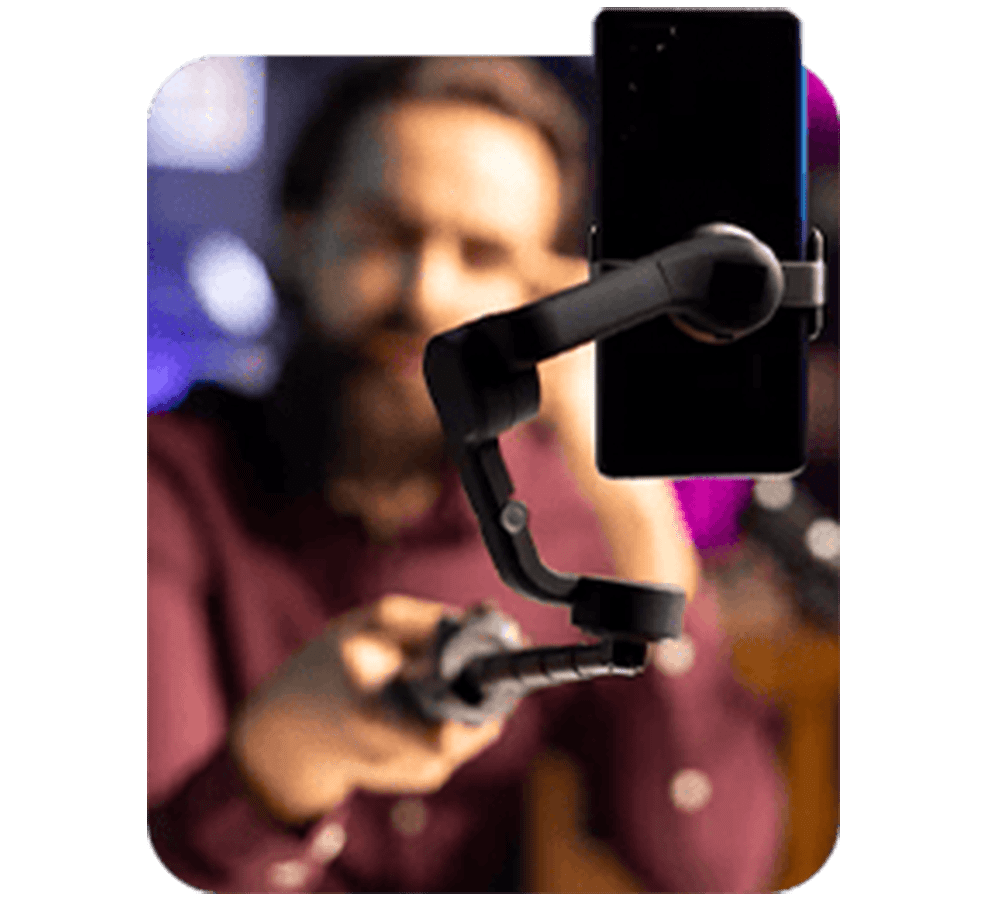
- Set up and align camera equipment correctly including mounting and different camera positions
- Get familiar with specialty camera equipment and accessories and understand how each one works
- Apply cinematography techniques and picture composition principles to capture footage that meets production requirements
- Adjust camera exposure and focal settings to get the best results from different shooting conditions
- Evaluate camera angles and movements and use that feedback to improve the visual quality of your footage
What You'll Learn specifically
In this smartphone videography course Singapore the training covers seven focused areas across 3 days:
- Read and interpret shot plans to understand how they shape production style and what technical requirements they demand
- Prepare camera setups including mounting equipment and positioning for different types of shots
- Fit and align camera equipment correctly based on its features and technical specifications
- Get familiar with specialty camera equipment and accessories and know how to use them properly
- Apply cinematography techniques and picture composition principles to capture footage that looks and feels intentional
- Adjust camera exposure and focal settings to compensate for different shooting conditions and variables
- Assess camera angles and movements and provide feedback to improve the visual quality of the footage
Training fee: WSQ Smartphone Videography and Video Editing Course
| Self-sponsor/ Non-SME Company Sponsor | SME Company Sponsor | |||
|---|---|---|---|---|
| Full Course Fee (no funding) |
Age 21-39 S/PRs (SkillsFuture Funding Baseline) |
Age 40 above (SkillsFuture Mid-career Enhanced Subsidy) |
SME Company Sponsor (SkillsFuture Enhanced Training support for SMEs) |
|
| Full Course Fee (bef funding) | $650.00 | $650.00 | $650.00 | $650.00 |
| SkillsFuture Funding (WSQ) | - $0.00 | - $325.00 | - $455.00 | - $455.00 |
| GST (On Full Fee) | + $58.50 | + $58.50 | + $58.50 | + $58.50 |
| Total Payable (After Funding and GST Included) |
$708.50 (After Funding and GST Included) |
$383.50 (After Funding and GST Included) |
$253.50 (After Funding and GST Included) |
$253.50 (After Funding and GST Included) |
Payable amount after WSQ funding is eligible for further support from SFEC, SkillsFuture, PSEA & UTAP where applicable.
Discount policy:
- 4 pax from the same group: 5% discount for each person
- 5 pax from the same group: 10% discount for each person
Assessment Plan:
- Practical Performance: 1 hour
- Written Assessment – Short Answer Question (WA-SAQ): 0.25 hour
Certificate:
Upon passing the Assessment and achieved minimum 75% attendance you will receive a
WSQ Statement of Attainment (SOA) for MED-MPN-3034-1.1 (Camera Operations-3)

Grants available
WSQ
Singapore Workforce Skills Qualifications
WSQ : Baseline funding deduction upto 70% for Singaporeans/ PRs. Further SFEC, Absentee Payroll and WSS applicable.
SkillsFuture Eligible
SkillsFuture Credit : Singaporeans can use $500 SkillsFuture Credits for this training to offset the course fees
PSEA
Post-Secondary Education Account
PSEA : are available for Singaporean Citizens to cover the approved fees and charges related to WSQ programs.
SFEC
SkillsFuture Enterprise Credit
SFEC : Eligible companies can offset up to 90% of the payable amount via SFEC
Absentee Payroll
Absentee Payroll Funds : Eligible companies can reimburse $4.50 per hour/pax joining our courses from Absentee Payroll
WSQ Smartphone Videography and Video Editing Course Outline
Lesson 1
Interpret detailed shot plans to assess their impact on production styles and technical requirements while adhering to safety regulations in camera operations.
Lesson 2
Prepare operational instructions for various camera types involving mounting equipment and different camera positions together with the production teams to capture complex camera shots.
Lesson 3
Determine correct fitting and alignment of camera equipment according to their feature and functions to ensure compliance of technical specifications.
Lesson 4
Describe the use of specialty camera equipment and accessories.
Lesson 5
Apply Cinematography techniques and principle of picture composition to operate and control cameras to record sequences that meet the aesthetic requirements of productions.
Lesson 6
Manipulate camera exposure and focal value setting to compensate for variables that impact the footage quality.
Lesson 7
Evaluate the camera angles and movements of a shot to provide feedback for visual effects enhancement.
FAQ for Learn WSQ Smartphone Videography and Video Editing Course in Singapore
What is the WSQ Smartphone Videography and Video Editing course about?
The course teaches core smartphone videography and editing techniques using mobile apps to produce professional-quality videos.
What if I fail/did not complete the assessment?
Participants who do not complete or fail the assessment will be marked as non-competent and will not receive the Statement of Attainment (SOA). The full course fee, including the funded portion, will be applicable.
What will I learn in the course?
You’ll learn to shoot high-quality videos with your smartphone, edit them using mobile apps, and apply essential editing techniques for polished results.
Do I need any prior experience in videography or video editing?
No prior experience is needed; the course is beginner-friendly
What tools and equipment are needed for the course?
You’ll need a smartphone with a camera, access to video editing apps (introduced during the course), and a stable internet connection.
Will I receive a certification after completing the course?
Yes, you’ll receive a WSQ certification in Smartphone Videography and Video Editing upon successful completion.
How long is the course, and what is the mode of delivery?
The course is typically conducted over 3 days.
Who can join the WSQ Smartphone Videography and Video Editing course?
It’s open to beginners, hobbyists, content creators, and anyone interested in learning smartphone videography and editing.
Reviews of Our Students
I took an Excel course at Training Singapore, and it was extremely beneficial. The trainer explained everything from basic to advanced features like VLOOKUP, Pivot Tables, and Macros in a simple and easy-to-understand way.
The course fees at Training Singapore were fully covered by SkillsFuture Credit. This is a great opportunity if you are a Singapore resident looking to enhance your skills.
The course material was well-organized, covering key areas such as Excel interface, data entry, formulas, and reporting. It made learning structured and effective.
The trainers were not only highly skilled in their subjects but also provided personalized assistance, making complex concepts easy to understand.
Training Singapore offers both online and offline training options, allowing students to choose according to their convenience and learning preferences.
I took an Excel course at Training Singapore, and it was extremely beneficial. The trainer explained everything from basic to advanced features like VLOOKUP, Pivot Tables, and Macros in a simple and easy-to-understand way.
The course fees at Training Singapore were fully covered by SkillsFuture Credit. This is a great opportunity if you are a Singapore resident looking to enhance your skills.