
DAX for Power BI Course in Singapore
Learn DAX for Power BI Course Singapore
Power BI goes beyond building charts and dashboards. Knowing how to write your own calculations, work with custom measures, and apply logic to your data is what separates a basic Power BI user from someone who can truly work with data at depth. DAX, Data Analysis Expressions, is the formula language that makes all of that possible inside Power BI. DAX Power BI Course Singapore is a one day classroom training where participants learn how to write DAX formulas, build calculated columns, create measures, and work with data models in a structured and practical way. Every topic covered during the day connects directly to how data calculations are used in a professional setting. For anyone looking to go deeper with Power BI, handle more complex reporting tasks, or get a stronger understanding of how Power BI processes and evaluates data, the DAX training Singapore gives you the right foundation to do that with clarity and confidence.
Course Start Date
Schedule
- Days: 1 Days
- Duration: 7 Hours
- Timings: 9:30 AM - 5:30 PM
- 10 Anson Road, 26-08A International Plaza, Singapore 079903
Why Choose Us
- Expert Local Trainers
- Hands-on Training by experts
- Certificate of Achievement
Who Should Attend This DAX for Power BI Course Singapore
Professionals who already use Power BI to build reports and want to go further with their data calculation skills will find this DAX for Power BI course Singapore a useful and practical next step. Business analysts, data professionals, and Power BI users who want to write custom calculations and work with measures more independently are well suited for this training. Some prior experience with Power BI Desktop is helpful, as participants who are already familiar with the tool will be able to follow the course at a comfortable pace and get more out of each session.

Business professionals

Analyst

Entrepreneur

Training Professionals

Student
Course Completion Requirements
Minimum 75% attendance is required in order to complete the course and receive the course completion certificate

Above 16 years old

High School Level English

Basic internet & computer operation skills


DAX for Power BI Training in Singapore
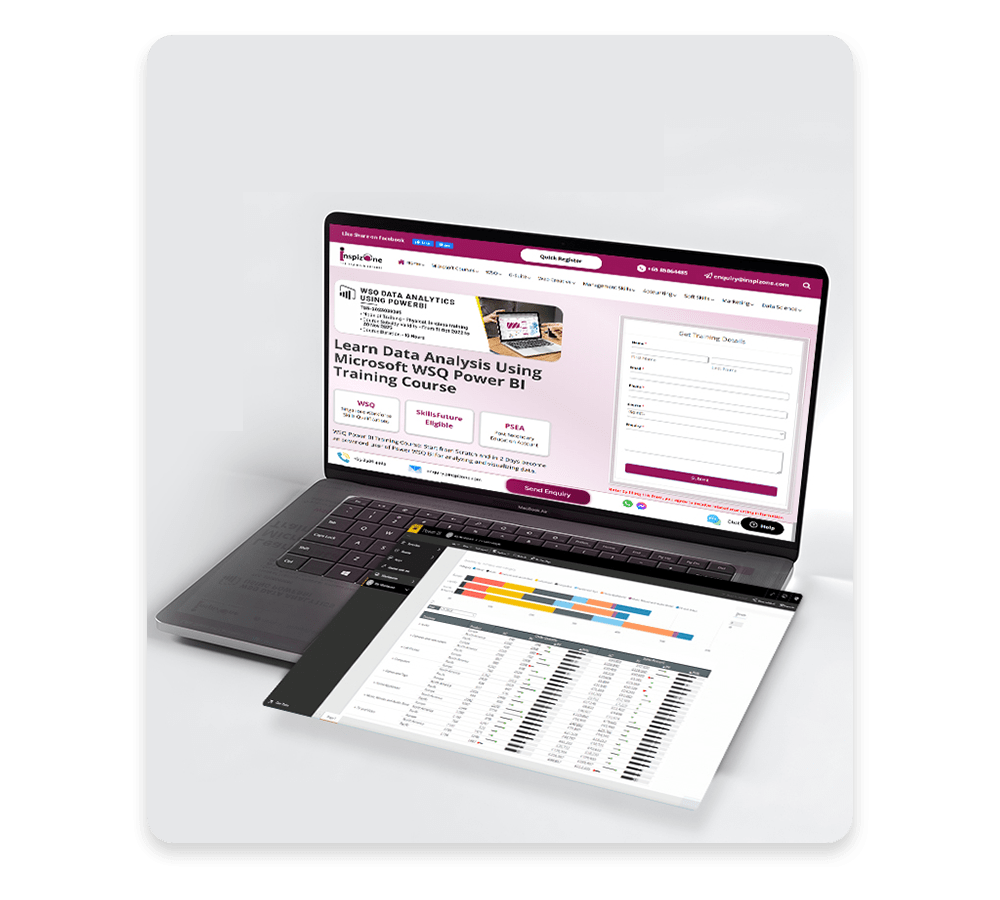
Participants in this course will learn how to use Data Analysis Expressions (DAX), the language used to create custom calculations within the Power BI data model. While the course covers the theory behind how DAX and the data model work together, the main focus throughout the day is on applying DAX formulas to address common business calculation needs in a practical and straightforward way.
Target Students
Business users who already use Power BI to build analytical reports and solutions and are ready to work with DAX at a deeper level will get strong value from this training. For experienced Power BI users, learning DAX formulas is a natural and important next step toward more independent and accurate data work.
Course Prerequisites:
Some familiarity with Power BI Desktop is helpful before joining this DAX training Singapore. Participants who have worked with Power BI before will be better placed to follow the course material comfortably and get more value from each session. Prior experience is not a strict requirement but it does make a noticeable difference in how well participants progress through the training.
What You Will Learn in This DAX for Power BI Course?
By completing this DAX Power BI course Singapore, you will be able to:
- Write your own calculated columns, measures, and tables within Power BI
- Understand how Power BI computes and evaluates DAX calculations step by step
- Troubleshoot and fix custom DAX code with confidence
- Work with a wide range of DAX functions including date and time, filter, logical, math and statistical functions
- Apply time intelligence functions for year to date, quarter to date and month to date calculations
- Handle calculation errors gracefully and keep your reports running cleanly
- Apply DAX logic to address common business calculation needs accurately
- Work with evaluation context and understand how data model relationships affect your calculations
- Use DAX to control row level security and manage data visibility across reports
What is DAX in Power BI
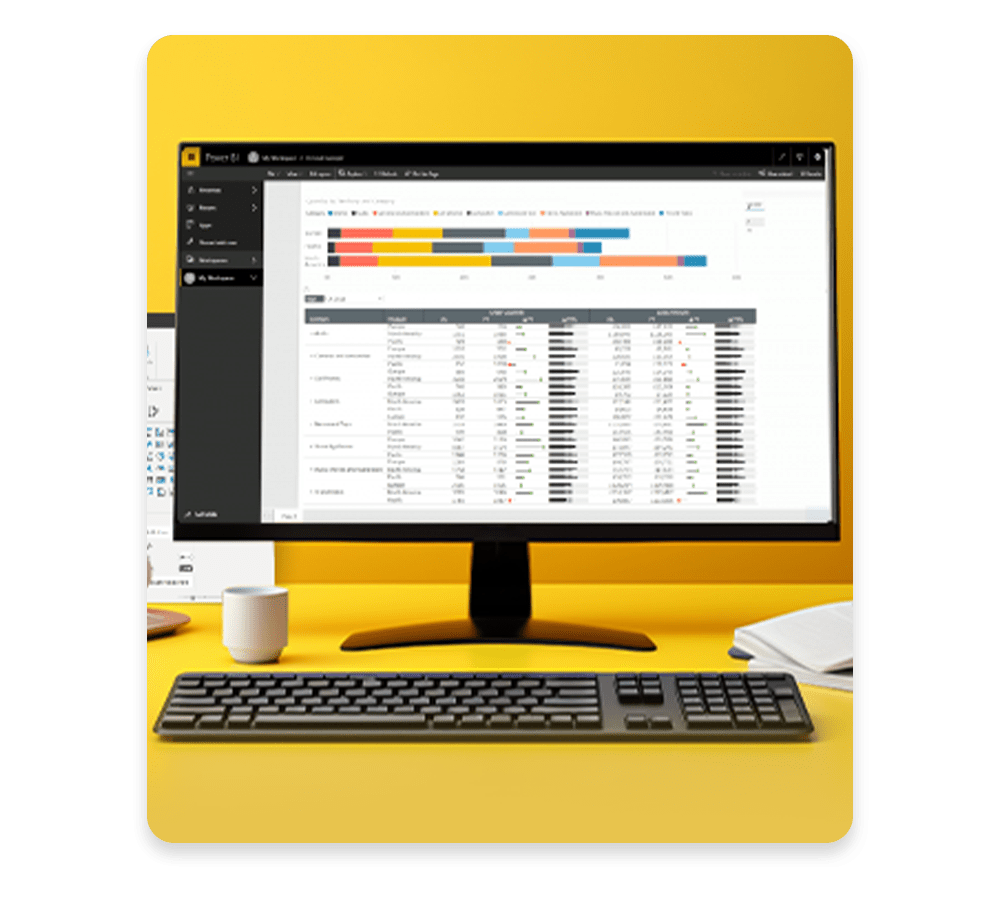
DAX, which stands for Data Analysis Expressions, is the formula language used inside Power BI to create custom calculations. It works within the Power BI data model and allows users to go beyond the default calculations that Power BI provides. With DAX, you can create calculated columns that add new data to your tables, write measures that perform dynamic calculations based on filters and context, and build calculated tables that shape your data in specific ways.
DAX works across entire columns and tables within the Power BI data model, which makes it far more powerful for handling large sets of data and complex business calculations. Understanding how DAX evaluates context, applies filters, and processes relationships between tables is what gives Power BI users the ability to build accurate and flexible reports that reflect what the data is actually saying.
For anyone working with Power BI at a professional level, knowing DAX is a core part of working with data models properly and building reports that go beyond what standard Power BI calculations can offer.
DAX functions that are covered in this class include:
Learning DAX in this power bi dax course Singapore gives you the ability to:
- Date and time functions: CALENDAR(), CALENDARAUTO(), DATE(), NOW(), TODAY(), WEEKDAY(), WEEKNUM(), YEAR(), MONTH(), DAY()
- Filter functions: ALL(), ALLEXCEPT(), CALCULATE(), CALCULATETABLE(), FILTER(), LOOKUPVALUE(), REMOVEFILTERS()
- Information functions: CONTAINS(), HASONEFILTER(), HASONEVALUE(), ISINSCOPE(), ISBLANK(), ISEMPTY(), ISERROR(), USERNAME()
- Logical functions: AND(), COALESCE(), IF(), IFERROR(), NOT(), OR(), SWITCH(), TRUE(), FALSE()
- Math and Statistical Functions: DIVIDE(), SUM(), SUMX(), AVERAGE(), AVERAGEX(),COUNT(), COUNTROWS(), COUNTX(), DISTINCTCOUNT(), MAX(), MAXX(), MEDIAN(), MEDIANX(), MIN(), MINX(), RANKX()
- Table manipulation functions: ADDCOLUMNS(), SELECTCOLUMNS(), CROSSJOIN(), DATATABLE(), NATURALINNERJOIN(), SUMMARIZE(), VALUES()
- Text functions: CONCATENATEX(), FIND(), LEFT(), LEN(), MID(), REPLACE(), SEARCH(), TRIM(), VALUE()
- Time intelligence functions: DATEADD(), DATESBETWEEN(), DATESMTD(), DATESQTD(), DATESYTD(), PARALLELPERIOD(), SAMEPERIODLASTYEAR(), TOTALMTD(), TOTALQTD(), TOTALYTD()
DAX for Power BI Course Outline:
Getting started with DAX
- What is DAX?
- Basics of DAX syntax
- Creating a calculated column
- Creating a calculated measure
- Creating a calculated table
- Differences in evaluation context
- Rules of evaluation
- Working with variables
- Commenting your code
- Testing your code
Performing basic calculations
- Implicit measures
- Adding quick measures
- Doing basic math
- Using logic in your calculations
- Aggregating and summarizing data
- Working with DAX data types
Working with context in the data model
- Context defined
- Data modeling basics
- Introduction to dimensional modeling
- Relationships and their effect on the evaluation context
- Getting data from other tables using RELATED() and RELATEDTABLE()
- Modifying the context using CALCULATE()
- Looking up data without using relationships
Performing more advanced calculations
- Handling errors gracefully
- Using DAX iterator functions
- Using table manipulation functions
- Troubleshooting your calculations using the Performance Analyzer and DAX Studio
Working with time
- Performing date calculations
- Working with date tables
- Generating a date table with the CALENDAR() function
- Defining custom operating periods
- YTD, QTD, and MTD calculations
- Custom to-date calculations
- Finding year-over-year change
- Finding moving averages
Enhancing the user experience
- Controlling visibility of your measures
- Using What-if parameters
- Adding banding
- Using DAX to provide row-level security
Frequently Asked Questions (FAQ)
What is the focus of this DAX for Power BI course?
This course is designed to help participants gain proficiency in Data Analysis Expressions (DAX), the formula language used in Power BI. It covers a range of functions including date and time, filter, logical, math and statistical, table manipulation, text, and time intelligence functions. The course emphasizes practical application to solve common business problems.
Who should attend this course?
This course is ideal for business users who have experience using Power BI to build analytical solutions and are ready to leverage the power and flexibility that DAX provides. Learning DAX is a common next step for experienced Power BI users.
What topics are covered in the course?
The course includes:
- Introduction to DAX and its syntax
- Creating calculated columns, measures, and tables
- Understanding and applying evaluation context
- Using DAX functions for calculations and data manipulation
- Implementing time intelligence functions
- Enhancing user experience with DAX
What are the prerequisites for this course?
Participants should have a basic understanding of Power BI and data modeling concepts. Familiarity with Excel functions can also be beneficial.
How is the course delivered?
The course is delivered through instructor-led sessions that include hands-on exercises, real-world examples, and interactive discussions to reinforce learning.
Reviews of Our Students
I took an Excel course at Training Singapore, and it was extremely beneficial. The trainer explained everything from basic to advanced features like VLOOKUP, Pivot Tables, and Macros in a simple and easy-to-understand way.
The course fees at Training Singapore were fully covered by SkillsFuture Credit. This is a great opportunity if you are a Singapore resident looking to enhance your skills.
The course material was well-organized, covering key areas such as Excel interface, data entry, formulas, and reporting. It made learning structured and effective.
The trainers were not only highly skilled in their subjects but also provided personalized assistance, making complex concepts easy to understand.
Training Singapore offers both online and offline training options, allowing students to choose according to their convenience and learning preferences.
I took an Excel course at Training Singapore, and it was extremely beneficial. The trainer explained everything from basic to advanced features like VLOOKUP, Pivot Tables, and Macros in a simple and easy-to-understand way.
The course fees at Training Singapore were fully covered by SkillsFuture Credit. This is a great opportunity if you are a Singapore resident looking to enhance your skills.