
Microsoft Excel Dashboards Training Course in Singapore
Microsoft Excel Dashboards Training Course in Singapore
Knowing how to present data well in Excel is one of those skills that makes a visible difference at work. When your reports are built around the right charts, PivotTables and functions, the people reading them spend less time trying to understand the numbers and more time acting on them. This Excel Dashboard Course Singapore covers exactly that across 2 days and 16.5 hours of classroom training, from using range names, lookup functions and data validation to creating charts, sparklines, PivotCharts and filtering data with slicers. For working professionals who want to move beyond basic spreadsheets and build reports that communicate clearly, this Excel dashboard training Singapore course is SFC-eligible.
UTAP
NTUC membersSkillsFuture Eligible
Schedule
- Days: 2 Days
- Duration: 16.5 Hours
- Timings: 9:30 AM - 5:30 PM
- 10 Anson Road, 26-08A International Plaza, Singapore 079903
Why Choose Us
- Expert Local Trainers
- Hands-on Training by experts
- Certificate of Achievement
SSG Course Details
- TGS-2019500567
- Mode of Training - Physical, in-class training
- Course Subsidy Validity - Until 31-12-2024
- Register Now
Who Should Attend This Microsoft Excel Dashboard Training Singapore
Working professionals who use Excel regularly for reporting and want to build more structured and visual reports will find this advanced Excel dashboard course directly relevant to their role. It is also suitable for anyone who is comfortable with basic Excel and wants to learn how to use charts, PivotTables, lookup functions and slicers to present data more clearly. No advanced Excel knowledge is needed but a basic familiarity with spreadsheets will help you follow the training from day one.

Business professionals

Analyst

Entrepreneur

Training Professionals

Student
Course Start Date
Course Completion Requirements
Minimum 75% attendance is required in order to complete the course and receive the course completion certificate

Above 16 years old

High School Level English

Basic internet & computer operation skills


Microsoft Excel Dashboards Training Course
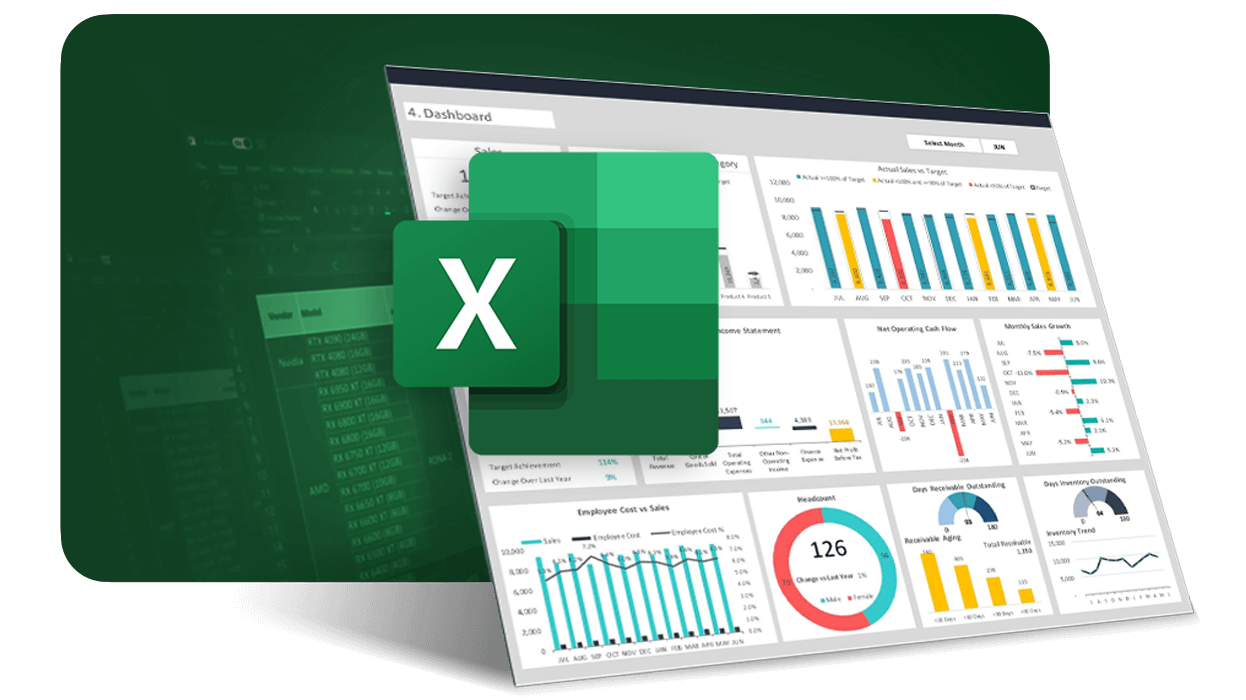
Most Excel users know how to format cells, write basic formulas and organise data into tables. What fewer people know is how to take that data and turn it into a report that actually communicates something useful. This data visualization Excel Singapore course is built around exactly that gap. Across 2 days of classroom training you will learn how to use range names, lookup functions and specialised formulas, apply data validation, build and format charts, create sparklines, work with PivotTables and PivotCharts and use slicers to filter and present your data clearly. Whether you work in finance, HR, operations or any other function, this dashboard reporting course Singapore gives you the Excel skills to produce reports that people can read and act on without needing an explanation.
What You Will Learn
By the end of this Excel charts and dashboards training course you will be able to:
- Develop and apply advanced Excel formulas to streamline data analysis
- Automate tasks and enhance workbook functionality using built-in tools
- Use conditional logic to create dynamic and responsive reports
- Visualize data effectively with standard chart types
- Implement advanced charting techniques for deeper insights
- Analyze and summarize complex data using PivotTables, slicers, and PivotCharts

Learn Excel Dashboards in Singapore (Charts, PivotTables & Slicers)
Anyone who works with data in Excel and wants to build reports that are clearer, better structured and easier for others to read will find this Excel dashboard training Singapore course directly useful. If you are comfortable with Excel basics and want to go further with charts, PivotTables, lookup functions and slicers, this course gives you the skills to do that properly. Working professionals looking to add advanced Excel dashboard course skills to their profile are also welcome. A basic familiarity with Excel is recommended before joining.
What You Need Before Joining
A basic understanding of Excel including writing simple formulas and navigating the interface is recommended before attending this Excel dashboard course Singapore. You do not need to be an advanced Excel user but being comfortable with the basics will help you follow the training from day one.
Why Learn Excel Dashboards?
Spreadsheets full of raw numbers are hard to read and even harder to act on. When data is presented through well built charts, PivotTables and visual reports, the people who need to make decisions can do so faster and with more confidence. For working professionals in Singapore, knowing how to build that kind of report in Excel is a skill that shows up in every industry and every function.
Most people who use Excel daily have never gone beyond basic formatting and formulas. Learning how to use lookup functions, data validation, slicers and PivotCharts gives you a completely different level of control over how your data looks and how clearly it communicates. That gap between basic Excel and data visualization Excel Singapore skills is exactly what this course is designed to close. For business owners and team leaders, having reports that are well structured and visually clear means less time explaining the numbers and more time using them to make better decisions.
What You Will Achieve After This Course
By the end of this Excel Dashboard Course in Singapore, you will be able to work with data more confidently and accurately using range names and specialised functions across your spreadsheets. You will know how to control data entry properly with validation tools, forms, and controls, reducing errors in your work. You will also learn how to use lookup functions and combine multiple formulas to pull and organise data from different parts of your workbook efficiently. On the reporting side, you will be able to build and format charts that clearly present your data, use advanced chart features and sparklines to highlight trends, and create PivotTables to analyse and summarise information. Finally, you will be able to present your insights effectively using PivotCharts and slicers, making your reports more interactive, flexible, and easy for others to understand.

Grants available
UTAP
Union Training Assistance Programme
UTAP: Update info about UTAP funding on all pages.
SkillsFuture Eligible
SkillsFuture Credit : Singaporeans can use $500 SkillsFuture Credits for this training to offset the course fees
Master Excel Dashboard Training Course Outlines:
Lesson 1: Creating Advanced Formulas
Topic A: Use Range Names in Formulas
Topic B: Use Specialized Functions
Lesson 2: Automating Workbook Functionality
Topic A: Apply Data Validation
Topic B: Work with Forms and Controls
Lesson 3: Applying Conditional Logic
Topic A: Use Lookup Functions
Topic B: Combine Functions
Lesson 4: Visualizing Data With Basic Charts
Topic A: Create Charts
Topic B: Modify and Format Charts
Lesson 5: Advanced Charting Techniques
Topic A: Use Advanced Chart Features
Topic B: Create Sparklines
Lesson 6: Analyzing Data With PivotTables, Slicers, And PivotCharts
Topic A: Create a PivotTable
Topic B: Analyze PivotTable Data
Topic C: Present Data with PivotCharts
Topic D: Filter Data by Using Slicers
FAQ’s for Microsoft Excel Dashboards Training Course
Who is this Excel Dashboards course suitable for?
This course is ideal for professionals, analysts, executives, and students who already have basic Excel skills and want to learn how to create interactive, visually appealing dashboards using advanced Excel tools.
Do I need advanced Excel knowledge to attend this course?
No advanced knowledge is required, but you should be comfortable with Excel fundamentals—such as creating formulas, using functions, and basic formatting.
What topics are covered in this course?
The course covers:
- Advanced formulas and functions
- Conditional logic
- Basic and advanced charting
- Data analysis with PivotTables and slicers
- Dashboard design principles
- Automating workbook functionality
Will I receive a certificate after completing the course?
Minimum 75% attendance is required in order to complete the course and receive the course completion certificate.
Do I need to bring my own laptop?
For in-person sessions, participants are encouraged to bring their own laptops with Microsoft Excel installed. If you don’t have access to one, please inform us in advance so arrangements can be made.
Can I use SkillsFuture Credits for this course?
Yes, SkillsFuture Credits can be used to offset the course fees for eligible Singaporeans.
Reviews of Our Students
I took an Excel course at Training Singapore, and it was extremely beneficial. The trainer explained everything from basic to advanced features like VLOOKUP, Pivot Tables, and Macros in a simple and easy-to-understand way.
The course fees at Training Singapore were fully covered by SkillsFuture Credit. This is a great opportunity if you are a Singapore resident looking to enhance your skills.
The course material was well-organized, covering key areas such as Excel interface, data entry, formulas, and reporting. It made learning structured and effective.
The trainers were not only highly skilled in their subjects but also provided personalized assistance, making complex concepts easy to understand.
Training Singapore offers both online and offline training options, allowing students to choose according to their convenience and learning preferences.
I took an Excel course at Training Singapore, and it was extremely beneficial. The trainer explained everything from basic to advanced features like VLOOKUP, Pivot Tables, and Macros in a simple and easy-to-understand way.
The course fees at Training Singapore were fully covered by SkillsFuture Credit. This is a great opportunity if you are a Singapore resident looking to enhance your skills.