
Advanced Power BI Training Course in Singapore
Learn Advanced Power BI Training Course Singapore
For anyone who already uses Power BI and wants to go deeper, this Advanced Power BI Course Singapore covers the techniques that move you from building basic reports to working with calculated tables, statistical analysis, advanced DAX and cloud-based data sources. Across 1 day classroom training, participants learn how to enhance reports and dashboards, publish and share findings across an organisation, and extend Power BI beyond the desktop using mobile and API access. This Microsoft Power BI Course Singapore is built for people who work with data regularly and need to present it clearly to colleagues, management and clients.
UTAP
NTUC membersCourse Start Date
Schedule
- Days: 1 Days
- Duration: 7 Hours
- Timings: 9:30 AM - 5:30 PM
- 10 Anson Road, 26-08A International Plaza, Singapore 079903
Why Choose Us
- Expert Local Trainers
- Hands-on Training by experts
- Certificate of Achievement
Who Should Attend This Advanced Power BI Course Singapore
Power BI Advanced Training Singapore is for anyone who already works with data regularly and has basic Power BI experience. Data analysts, finance and operations staff, business intelligence users and anyone currently using Excel who wants to move their reporting into Power BI will find this Data Visualization Power BI Singapore course a natural next step. Participants should have experience building a basic interactive dashboard in Power BI before joining.

Business professionals

Analyst

Entrepreneur

Training Professionals

Student
Course Completion Requirements
Minimum 75% attendance is required in order to complete the course and receive the course completion certificate

Above 16 years old

High School Level English

Basic internet & computer operation skills


Advanced Microsoft Power BI Training
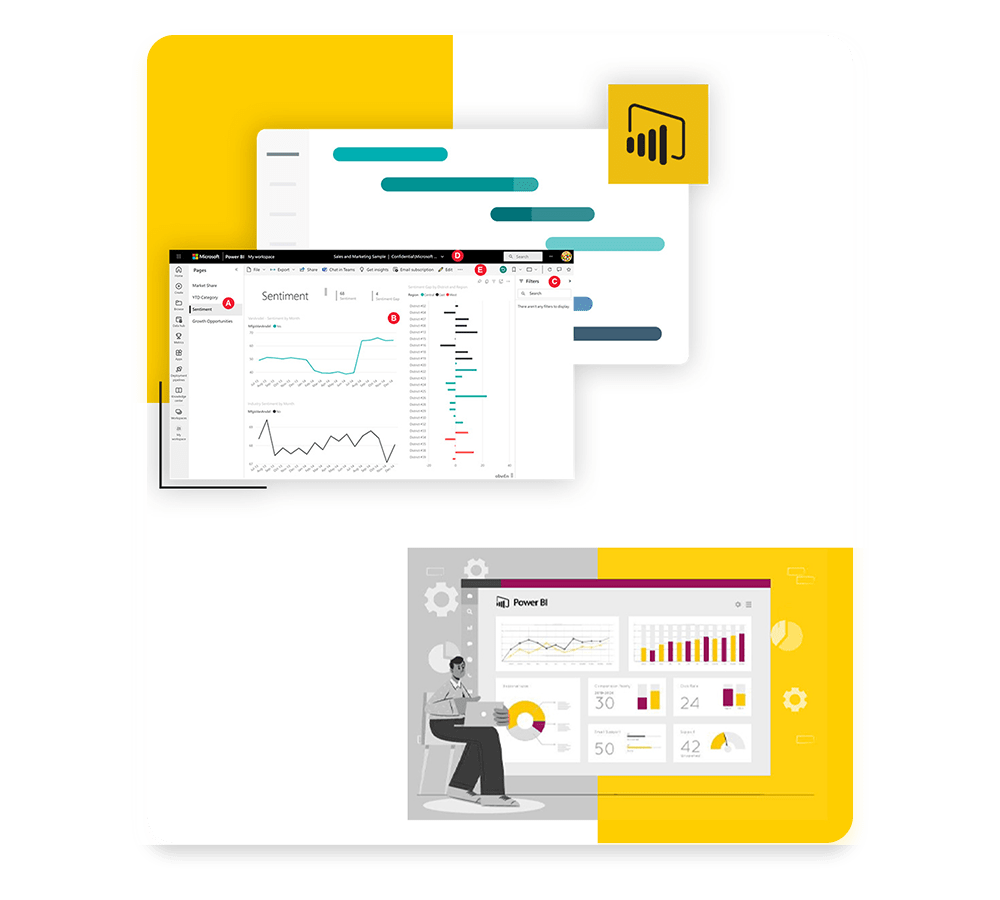
Business Intelligence Training Singapore is built for people across different roles who use data management tools like Microsoft Excel for numerical and general data analysis. The course covers connecting to cloud-based data sources, shaping and combining data for analysis, and finding better ways to examine business data. A key focus of this Power BI Advanced Training Singapore is visualising insights and sharing them clearly with colleagues, management and clients across the organisation.
Data Visualization Power BI Singapore goes beyond basic reporting. Knowing how to create calculated tables, apply statistical analysis, publish reports, manage workspaces and share dashboards gives participants a working capability that covers every stage of the Microsoft Power BI advanced workflow. This course covers all of that in one structured classroom day so every topic is practised as it is taught.
What You Need Before Joining This Power BI Certification Singapore Course
Participants should have experience creating a simple interactive dashboard in Power BI before the session begins. This Advanced Power BI Course Singapore moves into advanced territory from the first lesson and assumes that foundation is already in place.
Course Objectives:
This Microsoft Power BI Course Singapore is structured around four clear areas of learning:
- Use advanced analysis techniques
- Enhance reports and dashboard
- Publish and share reports and dashboards.
- Extend Power BI beyond the desktop.
Benefits of Taking This Advanced Power BI Course Singapore
People who work with data know that building a report is only part of the job. Getting that data analysed correctly, presented clearly and shared with the right people at the right time is where most Power BI users find their current skills are no longer enough. Calculated tables, statistical analysis, workspace management and API integration are the areas this Advanced Power BI Course Singapore covers and the reasons most people working with data in Singapore choose to take this Power BI Advanced Training Singapore as their next step:
- Ability to create calculated tables, variables and parameters for more accurate and flexible data modelling
- Skills to enhance visuals using statistical analysis so reports communicate findings rather than just display numbers
- Knowledge to perform advanced analysis techniques that go beyond standard Power BI reporting
- Confidence to enhance and refine both reports and dashboards for different audiences across the organisation
- Understanding of how to publish reports, create and manage workspaces and share dashboards in a structured way
- Access to Power BI Certification Singapore level skills covering mobile usage and Power BI API integration for broader organisational reach
Grants available
UTAP
Union Training Assistance Programme
UTAP : Update info about UTAP funding on all pages
Advanced Microsoft Power BI Training Course Outline:
Lesson 1: Using Advanced Analysis Techniques
- Topic A: Create Calculated Tables, Variables, and Parameters
- Topic B: Enhance Visuals with Statistical Analysis
- Topic C: Perform Advanced Analysis
Lesson 2: Enhancing Reports And Dashboards
- Topic A: Enhance Reports
- Topic B: Enhance Dashboards
Lesson 3: Publishing And Sharing Reports And Dashboards
- Topic A: Publish Reports
- Topic B: Create and Manage Workspaces
- Topic C: Share Reports and Dashboards
Lesson 4: Extending Power BI Beyond The Desktop
- Topic A: Use Power BI Mobile
- Topic B: Extend Access with the Power BI API
Frequently Asked Questions (FAQ)
What is the focus of this Advanced Power BI course?
This course delves into advanced Power BI features, including creating calculated tables, enhancing visuals with statistical analysis, publishing and sharing reports, and extending Power BI beyond the desktop using mobile and API integrations.
Who should attend this training?
Professionals who are currently using desktop or web-based data management tools like Microsoft Excel® or SQL Server® Reporting Services for data analysis and are looking to connect to cloud-based data sources, shape and combine data, and share insights across their organization.What topics are covered in the course?
The training includes:
- Creating calculated tables, variables, and parameters
- Enhancing visuals with statistical analysis
- Publishing and managing workspaces
- Sharing reports and dashboards
- Using Power BI Mobile and extending access with the Power BI API
Is there any funding available for this course?
Yes, the course is eligible for the Union Training Assistance Programme (UTAP).
Are there any prerequisites for this course?
A basic understanding of data analysis and familiarity with Power BI is recommended. For those unsure of their skill level, Inspizone offers a Power BI Skill Assessment Test to help determine the appropriate course level.
Reviews of Our Students
I took an Excel course at Training Singapore, and it was extremely beneficial. The trainer explained everything from basic to advanced features like VLOOKUP, Pivot Tables, and Macros in a simple and easy-to-understand way.
The course fees at Training Singapore were fully covered by SkillsFuture Credit. This is a great opportunity if you are a Singapore resident looking to enhance your skills.
The course material was well-organized, covering key areas such as Excel interface, data entry, formulas, and reporting. It made learning structured and effective.
The trainers were not only highly skilled in their subjects but also provided personalized assistance, making complex concepts easy to understand.
Training Singapore offers both online and offline training options, allowing students to choose according to their convenience and learning preferences.
I took an Excel course at Training Singapore, and it was extremely beneficial. The trainer explained everything from basic to advanced features like VLOOKUP, Pivot Tables, and Macros in a simple and easy-to-understand way.
The course fees at Training Singapore were fully covered by SkillsFuture Credit. This is a great opportunity if you are a Singapore resident looking to enhance your skills.