
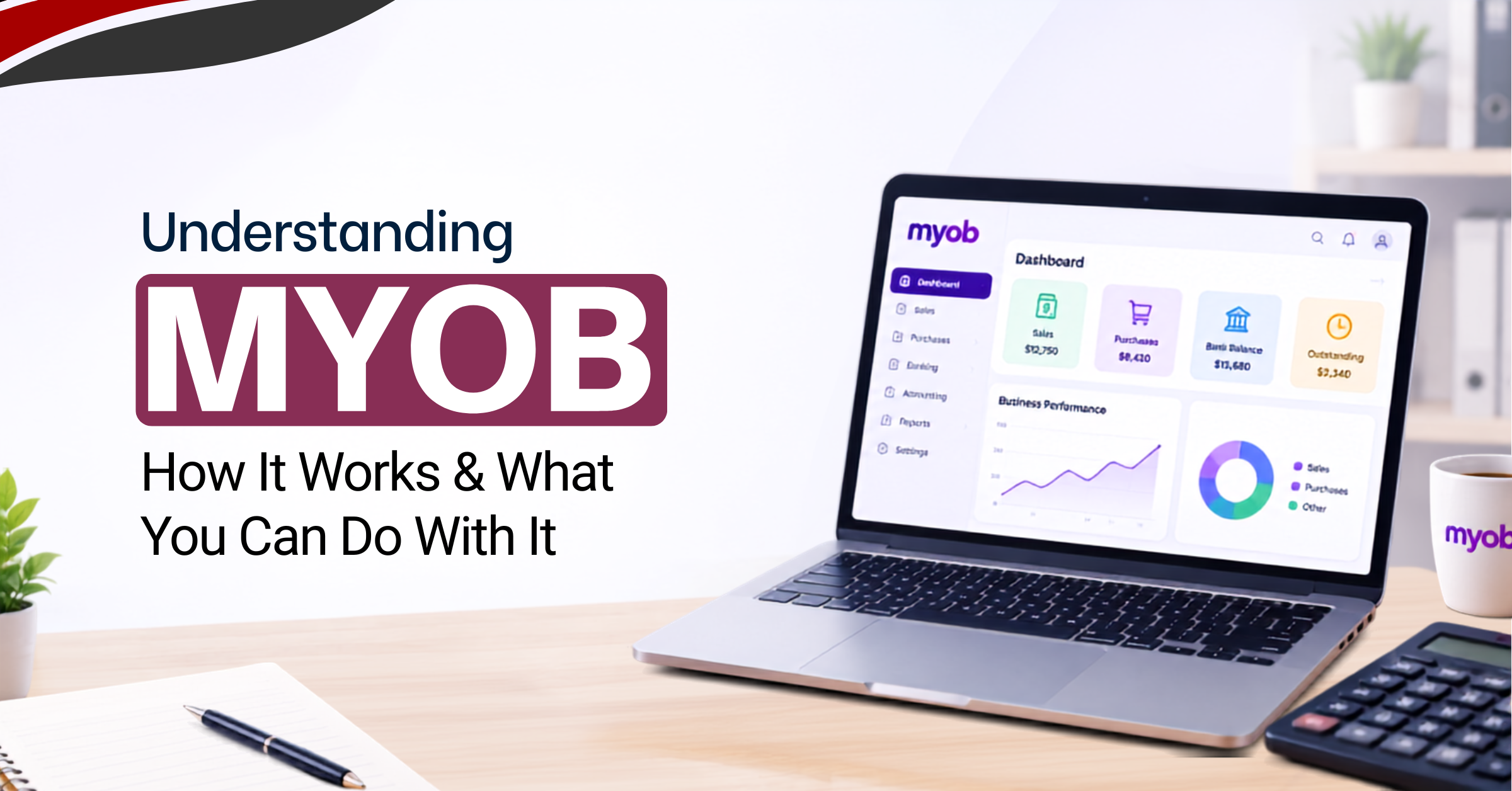
If you’ve come across MYOB in a job listing, a colleague’s screen, or while researching accounting software for your own business, the natural first question is simple: what is MYOB, and what is it actually used for?
MYOB is accounting and business management software used by businesses to organise financial records, invoicing, expenses, payroll, and reporting in one place, rather than managing them across spreadsheets or paper records. It’s built around the everyday tasks that keep a business’s finances accurate and up to date. This guide walks through what MYOB actually is, what it’s used for, how it works, and how it fits into an accountant’s or bookkeeper’s daily workflow.
What Is MYOB?
MYOB is a category of accounting and business management software that helps businesses manage their financial records, including transactions, invoices, expenses, and reports. Rather than tracking this information manually across spreadsheets or paper ledgers, MYOB accounting software centralises it into one connected system.
The core difference between accounting software and manual bookkeeping comes down to how information flows once it’s entered. In a manual system, each record, an invoice, a bank entry, a report, has to be created and reconciled by hand, often duplicated across multiple documents. In MYOB, a transaction entered once feeds into the relevant reports, account balances, and reconciliation processes automatically, reducing the repetitive work involved in keeping records accurate.
It’s worth noting that MYOB products can differ depending on the market and the specific version a business uses, with different plans offering different combinations of features such as payroll, inventory, or advanced reporting.
What Is MYOB Used For?
This is where MYOB’s day-to-day value becomes clearer, since it covers a wide range of common accounting and bookkeeping tasks.
Creating and Managing Invoices
Businesses use MYOB to create invoices, track which ones remain unpaid, and record sales transactions as they happen. This keeps a clear, searchable record of what’s been billed and what’s still outstanding, rather than relying on separate documents or manual tracking.
Tracking Business Expenses
Expenses can be recorded and categorised as they occur, which makes it easier to monitor spending patterns over time and see where money is actually going, rather than piecing that picture together at the end of a reporting period.
Managing Accounts Payable and Receivable
MYOB helps track both sides of a business’s outstanding transactions: money owed to the business by customers and money the business owes to suppliers. Keeping both organised in one place makes it easier to track payment timing and avoid missed or duplicate payments.
Bank Reconciliation
The general flow works like this: bank transactions come in, MYOB records the business’s own transaction entries, the two are matched against each other, and any differences get reconciled. This process is what confirms the business’s internal records actually match what’s happened in the bank account.
Payroll Management
Depending on the specific MYOB product or version, businesses can use it to manage payroll-related processes, including tracking employee pay, deductions, and related records, which reduces the manual calculation involved in running payroll each cycle.
Financial Reporting
MYOB can generate several standard financial reports from recorded transaction data, including profit and loss statements, balance sheets, cash flow reports, and sales or expense summaries. These reports draw directly from the transactions already entered, rather than needing to be built separately by hand.
Inventory Management
For businesses that maintain physical stock, MYOB can track stock levels, purchases, and sales, giving a clearer picture of inventory movement over time rather than relying on manual stock counts alone.
GST and Tax Records
Accounting software like MYOB can help organise transaction and tax-related records in a structured way, making it easier to prepare figures needed for GST reporting. It’s worth being clear that this organisational support doesn’t replace the judgement of a qualified accountant or tax professional when it comes to actual tax compliance and advice.
How Does MYOB Work?
Rather than just listing features, it helps to see how MYOB actually fits together as a workflow:
Set up business → Create accounts → Record transactions → Reconcile → Manage payroll and invoices → Generate reports
Setting Up a Business in MYOB
The initial setup involves entering business information, establishing a chart of accounts (the structured list of account categories a business uses to organise its finances), setting opening balances, and configuring financial settings relevant to how the business operates.
Recording Business Transactions
Day-to-day use mostly involves recording transactions as they happen: sales, purchases, expenses, payments, and receipts. Each of these gets logged against the appropriate account, building up the transaction history the rest of the system relies on.
Reconciling Transactions
Reconciliation is the process of comparing recorded transactions against actual bank activity to confirm they match. This step matters because it’s what catches errors, missing entries, or discrepancies before they compound into bigger reporting problems later.
Generating Financial Reports
Once transactions are recorded and reconciled, that data becomes the basis for financial reports. This is where raw transaction records turn into something usable, information a business owner or accountant can actually read and act on.
Key MYOB Features for Accounting and Bookkeeping
Building on the workflow above, these are the specific features that support the tasks businesses rely on MYOB for:
- Invoicing and billing, for creating and tracking customer invoices
- Expense tracking, for recording and categorising business spending
- Bank reconciliation, for matching recorded transactions against actual bank activity.
- Accounts payable and receivable, for managing money owed and money due.
- Payroll, for handling employee pay and related records.
- Financial reporting, for generating profit and loss, balance sheet, and cash flow reports.
- Inventory management, for tracking stock levels and movement
- GST and tax management, for organising records relevant to tax reporting
How Is MYOB Used in Accounting?
For accountants and bookkeepers specifically, MYOB fits into an accounting workflow: transaction recording, classification, reconciliation, adjustments, and reporting. If you want to build these foundational skills, a bookkeeping and accounting course in Singapore can cover key areas of financial record management and accounting practice. One option is the WSQ Bookkeeping and Financial Records Management course, which focuses on developing essential bookkeeping and financial record-keeping skills.
This typically involves recording transactions as they come in, maintaining accurate account classifications, reconciling bank transactions on a regular basis, managing outstanding receivables and payables, preparing financial reports for review, and generally keeping accounting records organised and audit-ready.
MYOB bookkeeping work benefits from this structure because it reduces the manual reconciliation and reporting effort that would otherwise fall entirely on the person managing the books. The software handles the repetitive calculation and record-keeping, while the accountant or bookkeeper focuses on accuracy, classification decisions, and reviewing the resulting figures.
Who Uses MYOB?
- Small business owners often use MYOB directly to manage invoicing, expenses, and basic reporting without needing a dedicated accounting department.
- Accountants use MYOB to manage client accounts, prepare financial statements, and keep records organised across multiple businesses.
- Bookkeepers rely on MYOB for the day-to-day transaction recording and reconciliation work that keeps a business’s books accurate between reporting periods.
Larger finance teams may use MYOB as part of a broader set of tools, particularly for reporting, payroll, and reconciliation across departments or business units. - Businesses that handle regular sales transactions, whether retail or service-based, use MYOB to track invoicing, inventory (where relevant), and cash flow consistently.
What Types of Businesses Can Use MYOB?
MYOB is used across a range of industries, including retail businesses, professional services, consulting, construction, hospitality, and small to medium-sized businesses more generally.
Whether MYOB is a good fit for a specific business depends on that business’s accounting, payroll, inventory, and reporting requirements, along with which specific MYOB product is being considered, since different versions offer different combinations of these features.
MYOB vs Manual Bookkeeping
| Manual Bookkeeping | MYOB |
| More manual transaction recording | Accounting software manages recorded transactions. |
| Spreadsheets or paper records | Centralised accounting information |
| Manual reconciliation | Bank reconciliation tools |
| Reports require more manual preparation | Reports generated from recorded data |
| Harder to track outstanding transactions | Easier invoice and payment tracking |
This comparison isn’t meant to suggest software is always the better choice for every business. What it does show clearly is where software reduces repetitive manual work and improves how organised financial information stays over time, particularly as transaction volume grows.
Benefits of Using MYOB for Business Accounting
- Organised financial records in one place.
- Easier transaction tracking over time
- Faster invoicing.
- Better visibility into business expenses.
- Easier bank reconciliation
- Accessible financial reporting
- Reduced repetitive bookkeeping work
Is MYOB Suitable for Beginners?
Using MYOB effectively generally involves some basic accounting knowledge, becoming comfortable with the interface, learning how transaction categories work, creating invoices correctly, reconciling accounts, and being able to read the financial reports the system produces.
None of this requires an accounting degree to get started, but there is a learning curve between opening the software for the first time and using it confidently for day-to-day accounting tasks. Understanding the concepts behind what MYOB is doing, not just clicking through the interface, is what makes the software genuinely useful rather than just another data-entry tool.
Learning MYOB for Practical Accounting Work
Knowing what MYOB does is different from being able to use it correctly in practice. Working confidently with MYOB generally means being comfortable with setting up accounting records, recording transactions accurately, creating invoices, managing expenses, handling bank reconciliation, working through payroll processes, generating financial reports, and understanding how these pieces connect as a broader accounting workflow.
For learners who want to move beyond understanding what MYOB is and practise its accounting workflows directly, MYOB Training in Singapore can provide guided learning around the software’s core functions.
Conclusion
MYOB is accounting and business software used to organise financial transactions, invoicing, expenses, reconciliation, payroll, and reporting, with the specific features available depending on the product and the business’s requirements. Understanding what MYOB does is the first step. Learning how to use its accounting functions correctly, and understanding the concepts behind them, is what actually makes the software useful in day-to-day work.