
WSQ Data Analysis Using Power BI Course
WSQ Data Analysis using Power BI Training Course in Singapore
Learn to read, analyse and present your data clearly using Microsoft Power BI.
This Power BI Course Singapore runs over 2 days and 16 hours of classroom training. You will start with the basics of Power BI, learn how to connect different data sources, display your data using charts and visuals, build complete dashboards and communicate findings to your team or management with confidence. If you are comfortable using a computer and have some basic familiarity with Excel or working with numbers at work, you are ready for this course. The training covers data analysis using Power BI from the ground up, so you do not need any prior Power BI experience to keep up in class. This is a WSQ certified Power BI training Singapore course and is SFC-eligible for eligible participants.
WSQ
Singapore Workforce Skills Qualifications
SkillsFuture Eligible
PSEA
Post Secondary Education Account
SFEC
SkillsFuture Enterprise CreditAbsentee
Payroll
Course Start Date
Schedule
- Days: 2 Days
- Duration: 16 Hours
- Timings: 9:00 AM - 6:00 PM
- 10 Anson Road, 26-08A International Plaza, Singapore 079903
Why Choose Us
- Expert Local Trainers
- Hands-on Training by experts
- Certificate of Achievement
SSG Course Details
- TGS-2023039385
- Mode of Training - Physical, in-class training
- Course Subsidy Validity - From 31-10-2023 to 30-11-2027
- Register Now
Who Should Attend This WSQ Power BI Course Singapore
This Power BI Course Singapore is good for executives, managers, supervisors, admin staff, and anyone else who uses Excel to make reports or keep track of performance numbers but wants a better and more visual way to do it. If you regularly handle data and need to present insights to your team or management, this course will be useful in your daily work. It is also a good starting point for professionals who want to move into data-focused roles, such as reporting or data analysis using Power BI.

Business professionals

Analyst

Entrepreneur

Training Professionals

Student
Course Completion Requirements
To receive your course completion certificate, you need to attend a minimum of 75% of the classes.

Above 16 years old

High School Level English

Basic internet & computer operation skills


WSQ Data Analysis Using Power BI Course
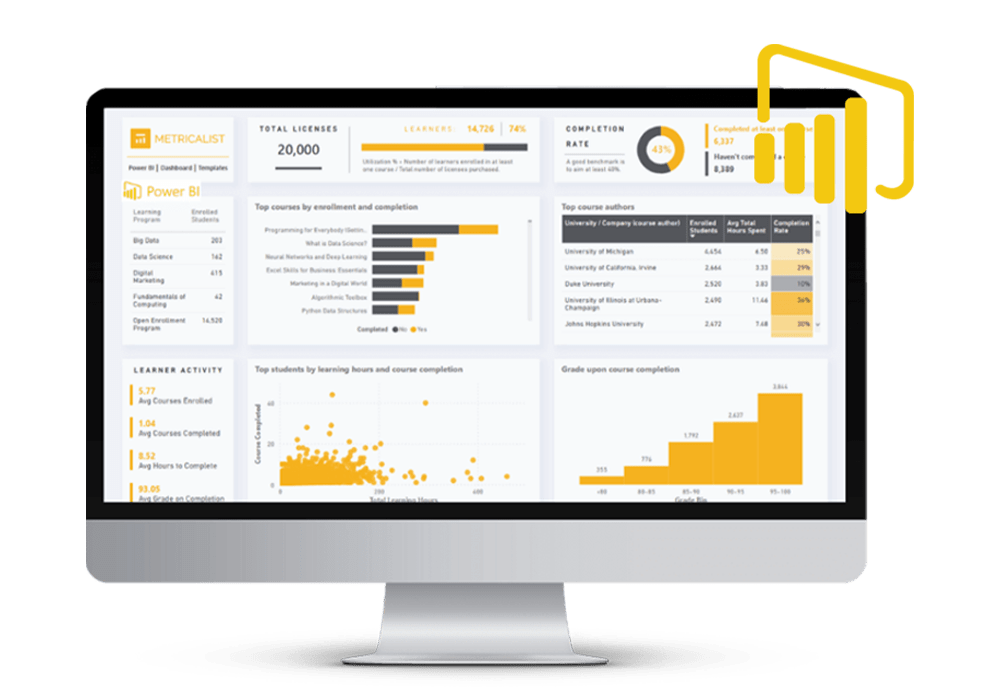
This WSQ Power BI Course Singapore teaches you how to connect to different data sources, organise your data and turn it into clear visual reports and dashboards that are easy to read and share across your organisation.
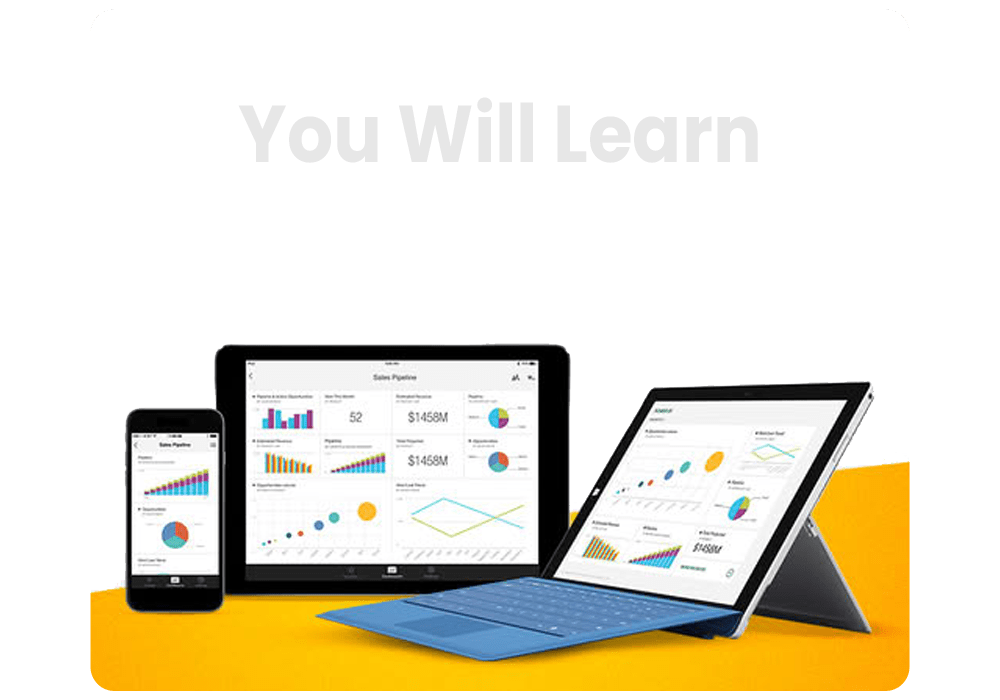
Power BI works on both web and mobile, so the reports you build in this Power BI training Singapore course can be accessed by your team from anywhere. You will learn how to set up dashboards that track key numbers, highlight trends and give your management a quick and clear view of how the business is performing.
This course covers data analysis using Power BI from importing and shaping your data all the way to building reports that support better decisions at work. Whether you are new to business intelligence tools or already familiar with Excel reporting, this course gives you a clear path to working with data more confidently.
What You Will Learn
Power BI brings all your data into one place, replacing the back and forth between spreadsheets and files. In this 2-day classroom course, you will learn how to display data using charts and visuals, build dashboards that track key business numbers and present trends and findings in a way that is clear and easy for anyone in your organisation to understand.
- Get familiar with Power BI and understand how to find your way around the tool
- Learn how to display your data using charts, tables and visuals that are easy to read
- Build your own dashboards in Power BI to track and present key business numbers
- Present data trends and findings in a clear way that your team or management can act on
- Clearly communicate data limitations and provide thoughtful interpretation of insights
Target Audience
This Power BI Course Singapore is open to anyone who works with data and wants a clearer way to report and present it. You do not need a technical background to join. If you are comfortable using a computer and have some basic familiarity with Excel, you have everything you need to get started. This business intelligence course Singapore is suitable for beginners as well as working professionals who deal with reports, numbers and performance tracking as part of their job.
- Business owners and SME managers who want a better view of their business numbers
- Individuals aiming to transition into data analytics roles
- Executives, Managers, Administrative Professionals, Solopreneurs, and Data Analysts who want to master dashboard creation and analytical reporting using WSQ Power BI.
- Professionals looking to move into data or reporting focused roles
Training fee:Data Analysis Using Microsoft WSQ Power BI Training Course
| Self-sponsor/ Non-SME Company Sponsor | SME Company Sponsor | |||
|---|---|---|---|---|
| Full Course Fee (no funding) |
Age 21-39 S/PRs (SkillsFuture Funding Baseline) |
Age 40 above (SkillsFuture Mid-career Enhanced Subsidy) |
SME Company Sponsor (SkillsFuture Enhanced Training support for SMEs) |
|
| Full Course Fee (bef funding) | $650.00 | $650.00 | $650.00 | $650.00 |
| SkillsFuture Funding (WSQ) | - $0.00 | - $325.00 | - $455.00 | - $455.00 |
| GST (On Full Fee) | + $58.50 | + $58.50 | + $58.50 | + $58.50 |
| Total Payable (After Funding and GST Included) |
$708.50 (After Funding and GST Included) |
$383.50 (After Funding and GST Included) |
$253.50 (After Funding and GST Included) |
$253.50 (After Funding and GST Included) |
Payable amount after WSQ funding is eligible for further support from SFEC, SkillsFuture, PSEA & UTAP where applicable.
Discount policy:
- 4 pax from the same group: 5% discount for each person
- 5 pax from the same group: 10% discount for each person
Assessment Plan:
- Practical Performance: 1 hour
- Written Assessment – Short Answer Question (WA-SAQ): 1 hour

Grants available
WSQ
Singapore Workforce Skills Qualifications
WSQ : Baseline funding deduction upto 70% for Singaporeans/ PRs. Further SFEC, Absentee Payroll and WSS applicable.
SkillsFuture Eligible
SkillsFuture Credit : Singaporeans can use $500 SkillsFuture Credits for this training to offset the course fees
PSEA
Post-Secondary Education Account
PSEA : are available for Singaporean Citizens to cover the approved fees and charges related to WSQ programs.
SFEC
SkillsFuture Enterprise Credit
SFEC : Eligible companies can offset up to 90% of the payable amount via SFEC
Absentee Payroll
Absentee Payroll Funds : Eligible companies can reimburse $4.50 per hour/pax joining our courses from Absentee Payroll
Microsoft Power BI Training Course Outline
LEARNING UNIT 1: INTRODUCTION TO DATA ANALYTICS USING POWER BI
- Data and Its Importance
- Data Analytics and Its Types
- Data Visualization
- Fundamentals of KPIs and Their Respective Visual Format
- The Visual Variables Used in Visualizations
- What Differentiates a Good Visualization from a Bad One
- Data Storytelling
- Basic Technical Terminologies to Get Started with Power BI
- Different Kinds of Charts in Power BI
- Analytics in Business Industries
LEARNING UNIT 2: DATA DISPLAYS IN POWER BI
- IMPORTING AND SHAPING THE DATA
Data Import Adding additional data Data Preparation Renaming Tables Appending queries Data Understanding Splitting columns Renaming columns Using Column From Examples to split columns Removing unwanted rows Transposing data Next Steps - DATA NORMALIZATION Data Normalization and Facts & Dimensions table Building Relationships with Fact and Dimensions Table
LEARNING UNIT 3: CREATING DASHBOARDS IN POWER BI
- POWER BI DESKTOP: REPORT INTERFACE
- VISUALIZATIONS AND FORMATTING
Creating and Working with Visualizations
Understanding Hierarchy, Drilldown and Focus Mode
Creating new tables in Power BI Tables View
Hiding Fields from View - FORMATTING VISUALS
Title
Data Labels
Data Colors
Axes
Backgrounds and Borders
Pro Tips and Best Practices
Working with Filters
How can you make the report, User Interactive
Filtering Data in Report
Creating filtered visuals
Filter Interactions in Report - PRO TIPS AND BEST PRACTICES
- ADVANCED VISUALIZATION
How can you help the Sales Head analyze Sales in various product categories and
sub-categories
How can you identify Sales performance in various Markets and Countries
Detailed analysis of %Sales growth for Customer segment and Product
KPIs Monitoring
Dual axis chart
LEARNING UNIT 4: PRESENTING TRENDS AND INSIGHTS IN POWER BI
- REPORTS IN POWER BI
What are Reports in Power BI - IMPORTING IMAGES FOR BRANDING
- IMPORTING CUSTOM VISUALS
- ADVANCED ANALYTICS – PREDICTIONS AND BENCHMARKING
Generative AI in Power BI
Natural Language Processing in Power BI - PRO TIPS & BEST PRACTICES
Navigation through pages using button and bookmarks
FAQ for Learn Data Analysis Using Microsoft WSQ Power BI Training Course in Singapore
What is the WSQ Power BI Training Course about?
The WSQ Power BI Training Course teaches key data analysis skills such as data visualization, report creation, and using Power BI tools to generate insights.
What if I fail/did not complete the assessment?
If you fail or do not complete the assessment, you will be marked as non-competent and will not receive the Statement of Attainment (SOA). Full course fees, including the SSG-funded portion, will be applicable.
Do I need prior experience with Power BI?
No prior experience is required. The course is beginner-friendly and progresses to advanced Power BI features.
What will I learn in this course?
You’ll learn how to connect to various data sources, clean and shape data with Power Query, build interactive dashboards, and analyze data using Power Pivot.
Is this course recognized by the WSQ?
Yes, it is a WSQ-certified course, officially recognized and valued by employers for enhancing your data analysis credentials.
How long is the course?
The course runs over 2 days.
What career opportunities does this course open up?
It opens up opportunities in roles such as Data Analyst, Business Intelligence Analyst, or Power BI Consultant across multiple industries.
Who should take this course?
This course is suitable for business analysts, data professionals, and anyone eager to learn Power BI for data analysis and report generation.
Reviews of Our Students
I took an Excel course at Training Singapore, and it was extremely beneficial. The trainer explained everything from basic to advanced features like VLOOKUP, Pivot Tables, and Macros in a simple and easy-to-understand way.
The course fees at Training Singapore were fully covered by SkillsFuture Credit. This is a great opportunity if you are a Singapore resident looking to enhance your skills.
The course material was well-organized, covering key areas such as Excel interface, data entry, formulas, and reporting. It made learning structured and effective.
The trainers were not only highly skilled in their subjects but also provided personalized assistance, making complex concepts easy to understand.
Training Singapore offers both online and offline training options, allowing students to choose according to their convenience and learning preferences.
I took an Excel course at Training Singapore, and it was extremely beneficial. The trainer explained everything from basic to advanced features like VLOOKUP, Pivot Tables, and Macros in a simple and easy-to-understand way.
The course fees at Training Singapore were fully covered by SkillsFuture Credit. This is a great opportunity if you are a Singapore resident looking to enhance your skills.